Transfer stablecoins and stocks
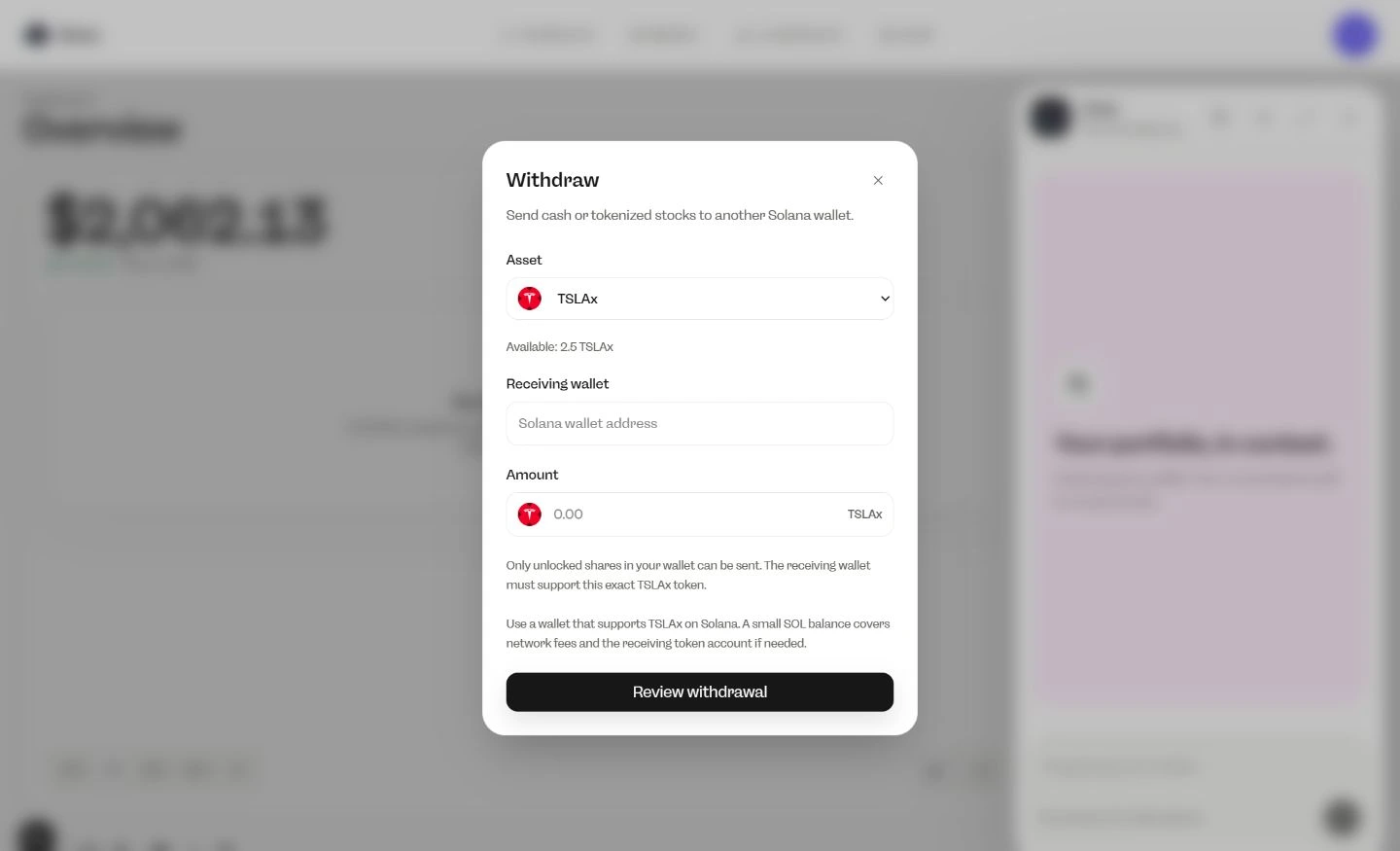
Transfer USDC, SOL, and supported stock tokens to another Solana wallet. Review the recipient, amount, and fees before you approve. Local preview shown with sample balances.
Transfer without leaving your page
Open Transfer from your account menu, choose USDC, SOL, or a stock token, and enter the receiving Solana wallet.
Your stock tokens can move too
Send unlocked stock tokens you hold, including fractional shares. Oren keeps the exact token variant and handles xStocks share adjustments.
Review the full transfer
Check the receiving address, quantity, network fee, and any receiving token-account cost before approving.
Keep track of pending transfers
Reopen a pending transfer to check its status. If submission needs another attempt, Oren retries the same signed transfer.